
Small progress on the TTRPG map viewer
This week, I made some progress on Ludic Field.
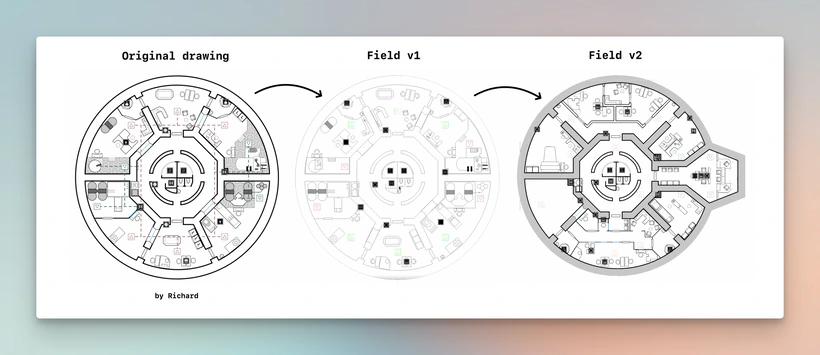
The viewer can now display the map as it was drawn by the artist.
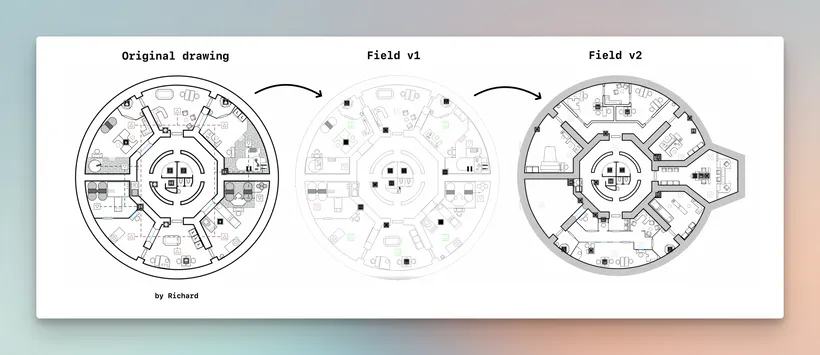
It’s not perfectly exact, but much closer to the original look than before.
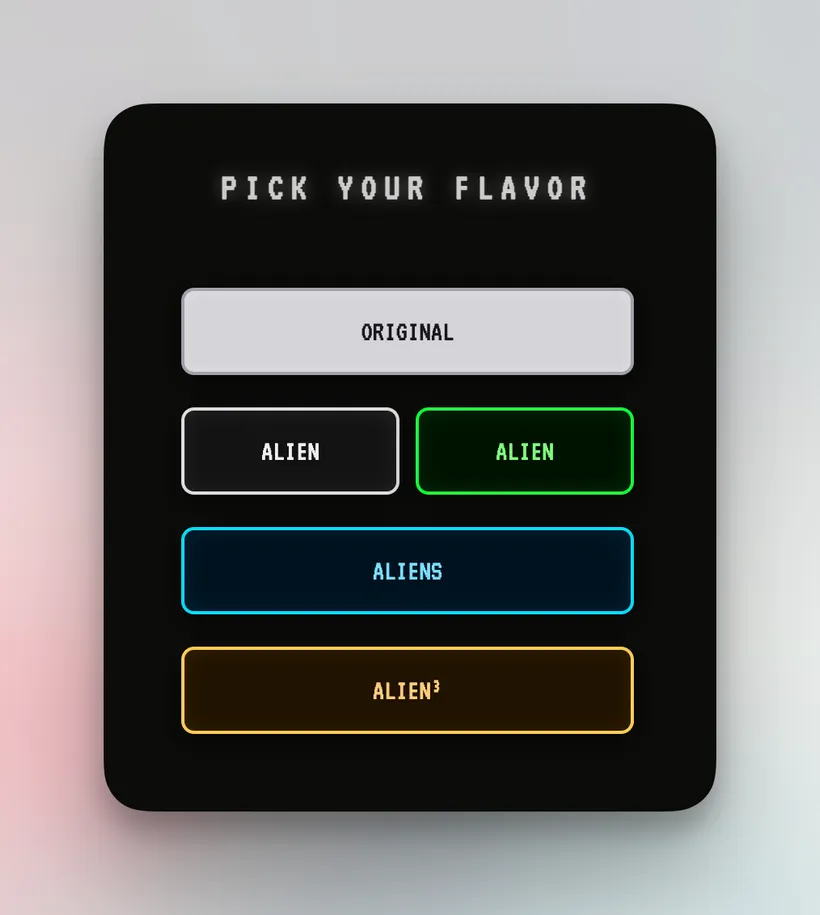
To make this possible, I added a new button in the theme menu called “Original.” It simply shows the map without theming or glow, just the plain, honest version: colors, background, fills, and strokes exactly as the creator made them. It became part of the next Ludic Field v0.2 release.
Sounds easy, right? Just one little button that says “don’t color stuff.” Less work! Tada!
Yeah, no.
To make that “simple button” work, I had to:
- Rewrite the entire camera zoom system
- Create a new system to manage vertical spacing between levels and their elements
- Build a unit converter, because some maps use millimeters and others pixels
- And, of course, update the entire codebase to work with these shiny new systems
All of that just to draw lines at different thicknesses.

Why? Because of a technical limitation. Technically speaking, WebGL can only draw uniform thin lines, which is not great for a map viewer meant to display schematics.
So I spent several hours investigating, experimenting, and trying not to melt anyone’s GPU, and eventually came up with a workaround.
Was it worth it? For creators who spend hours getting their maps to look just right, yes, absolutely.
For a tool meant to show meaning through lines, thick, dotted, dashed, tiny, completely. Schematics are not just about what is drawn. They are about how it is drawn. A plan conveys meaning and feeling.
Was it painful? Yes. Do I now understand WebGL a bit better? Also yes. Am I slightly less dumb and slightly more mad? Definitely.
Next time I’ll talk about the TTRPG map editor. That one is complicated. I’m learning a ton, and it’s equal parts chaos and excitement.
Join the Discord if you want to witness the beautiful disaster of me building stuff in real time.